Independent product · not made by or affiliated with Google

Google Drive,
without the tab-switching.

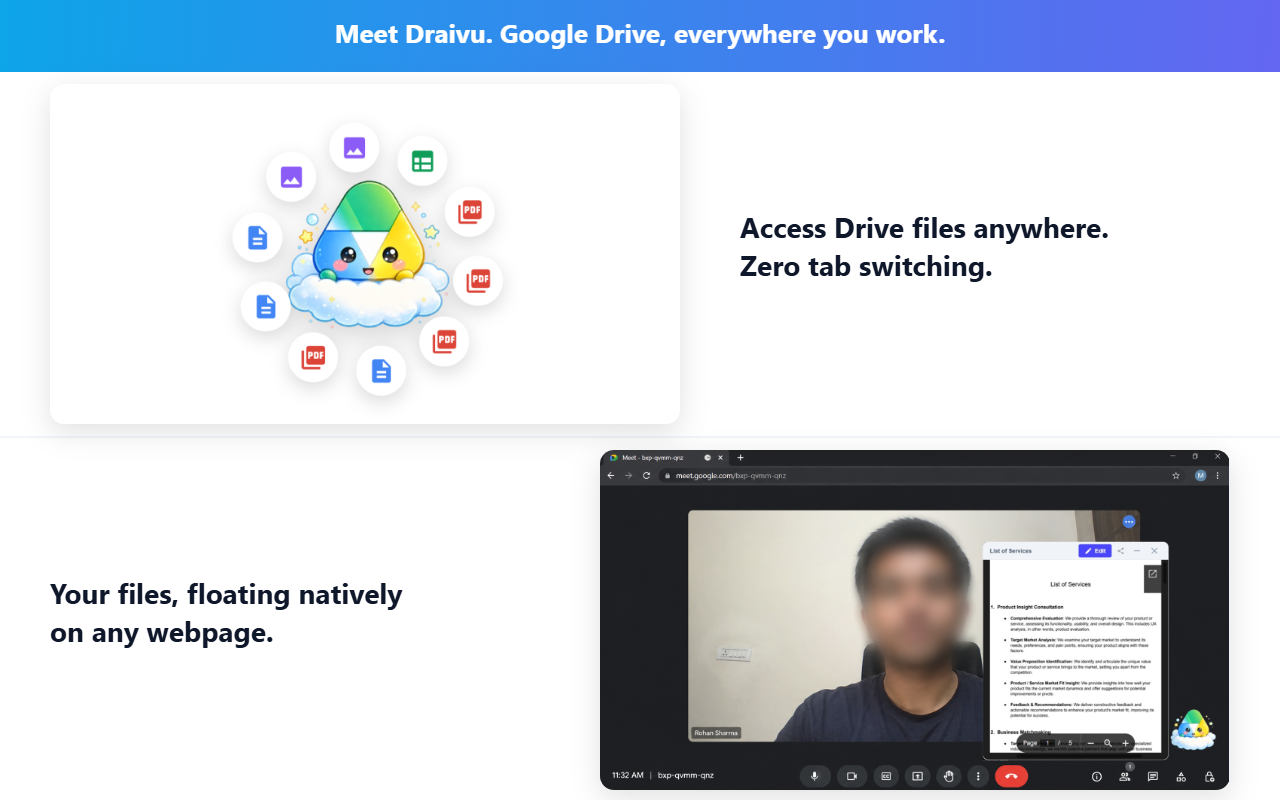
Draivu is your floating companion for Google Drive.

Open files as floating stickies, pin research to specific URLs, and share docs instantly, all without ever leaving the tab you're on. Stay in your flow.

Choose your
companion

Everything Drive, floating above your work

📌

Pin & Access Files

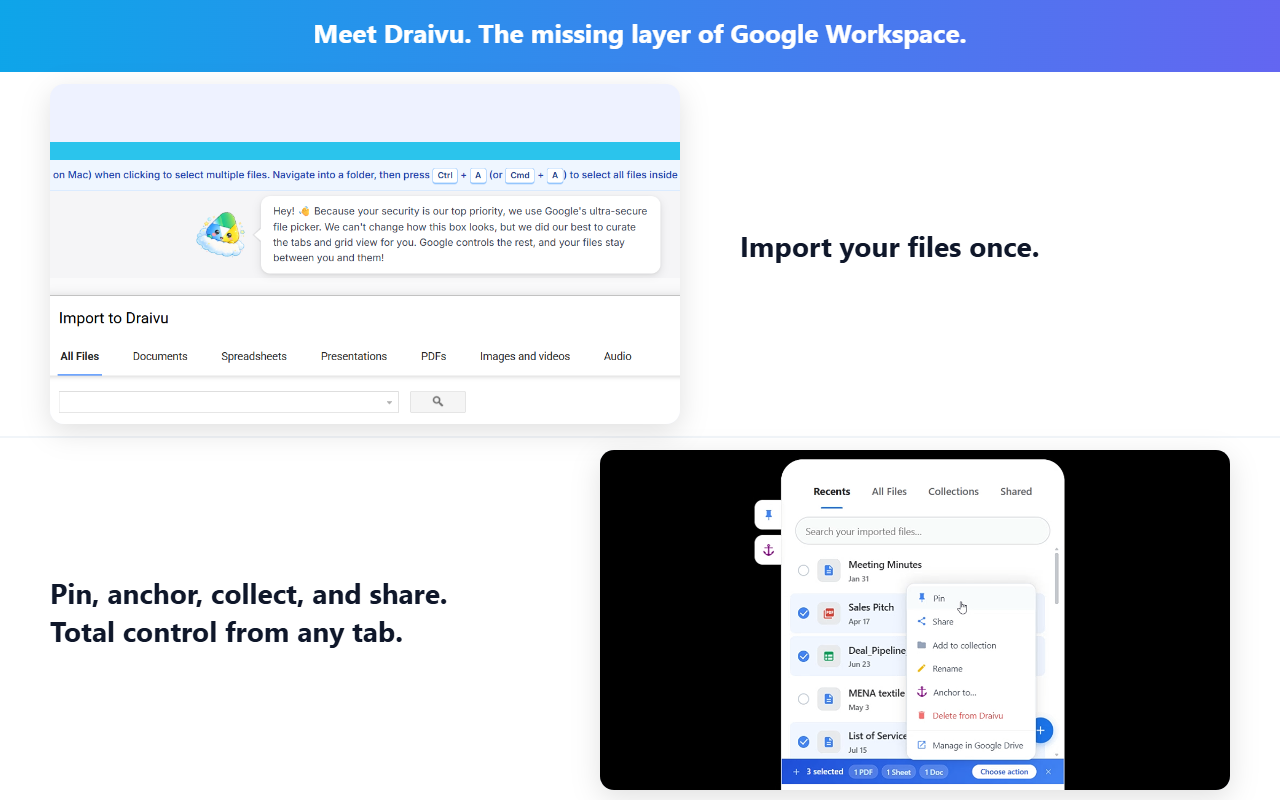
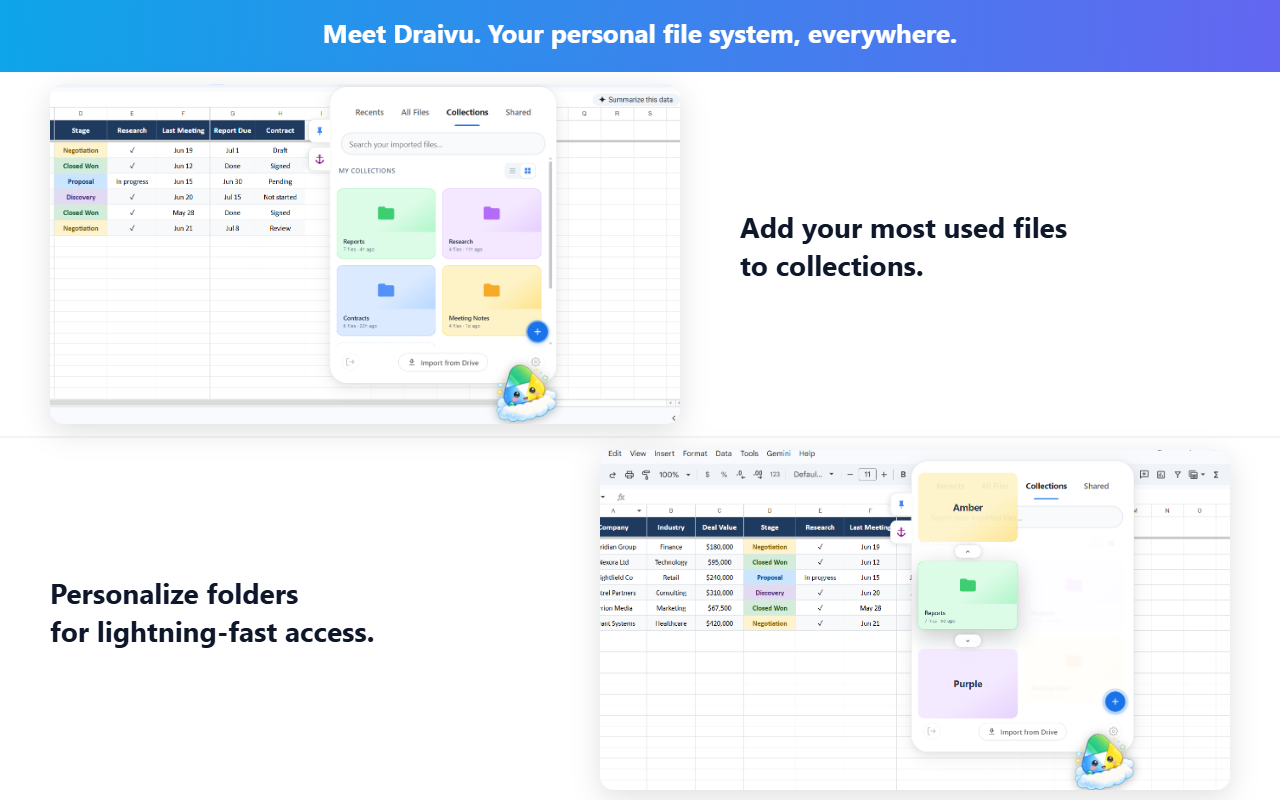
Import files from Drive and keep them one click away on any tab, any site. No switching context.

🗒️

Sticky Notes

Open files as floating sticky previews. Minimize them into an orbital ring around your floating icon. Reopen in one click.

🔍

Full-Text Search

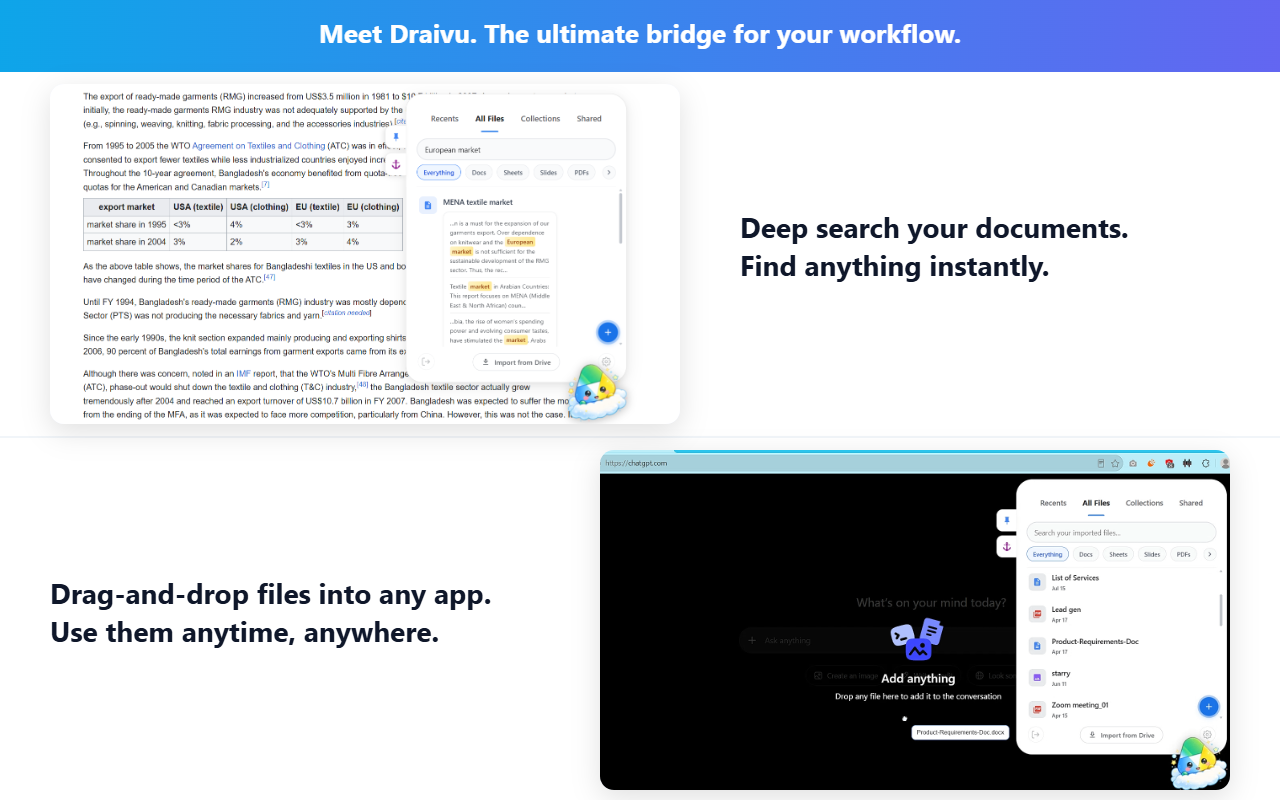
Search inside your Docs, Sheets, PDFs, and DOCX files. Not just by name. Results with snippets, instantly.

🔗

Anchor to Pages

Bind a file to a specific URL. Draivu auto-loads it when you visit that page, like bookmarks but smarter.

📤

Share from Anywhere

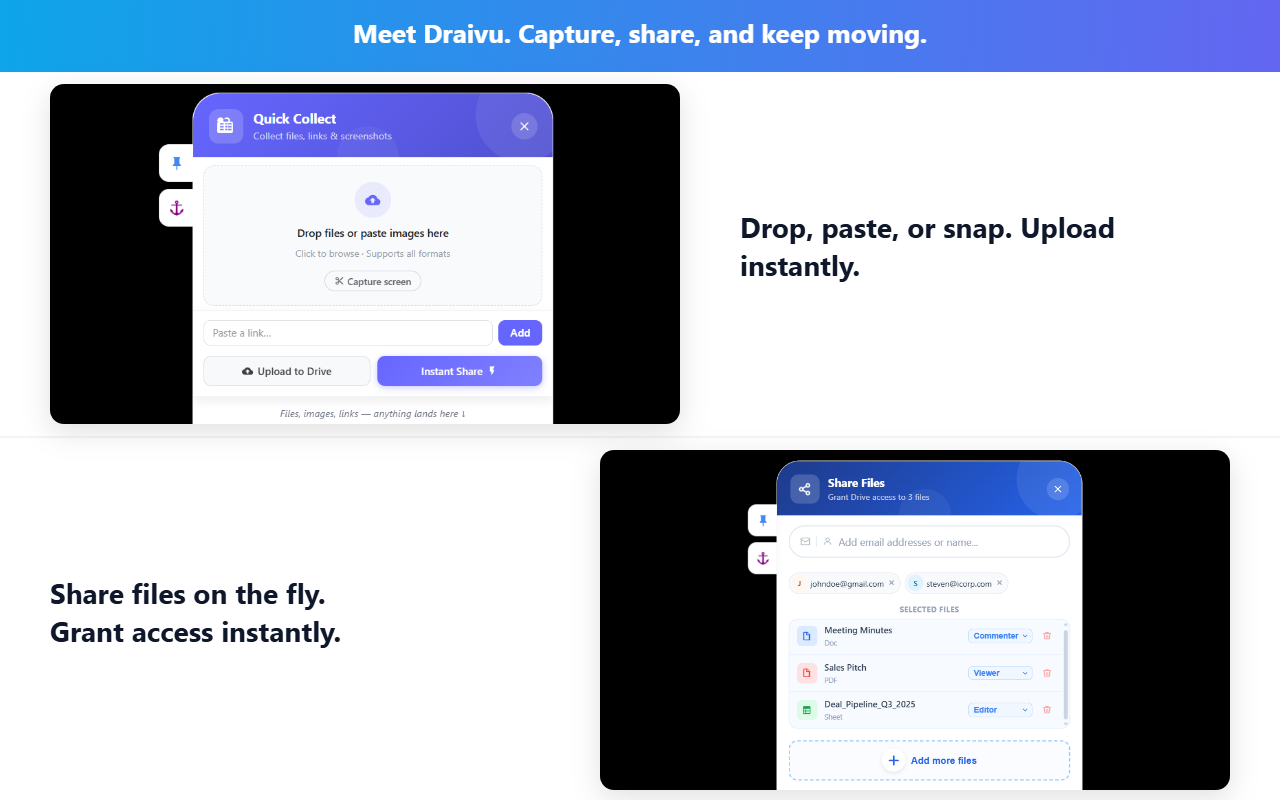
Share Drive files with contacts right from your screen. No need to open Drive, find the file, and start over.

✂️

Quick Collect

Snip text, images, or selections from any page and save them straight to Drive. No tab-switching required.

Privacy Policy

Last updated: April 13, 2026  ·  Applies to Draivu Chrome Extension

Draivu is architected for maximum privacy. It is completely serverless.
No user data, file metadata, or Google Drive content is ever transmitted to or stored on servers controlled by the developer. Everything stays between your browser and Google's own servers.

What We Access & Why Sensitive Scopes

Draivu requests the minimum permissions required to do its job. Below is an exact breakdown of every Google OAuth scope the extension uses, and precisely how it is used.

Scope Why it's needed What we never do with it
drive.file Allows Draivu to read and preview only the files you explicitly select via Google Picker. Without this, file previews and full-text search cannot work. We never access files you haven't selected. We never download, copy, or transmit your file contents to any server.
drive.appdata Stores your pinned-file registry (a list of file IDs and names) in a hidden Application Data folder in your own Drive. This enables sync across your devices. We never read, modify, or share any other folder in your Drive. The appdata folder is invisible in the standard Drive UI.
contacts.readonly Powers the contacts autocomplete when you use the Share feature to share a file with someone. Your contacts are never stored, logged, or sent anywhere. They are used only to render autocomplete suggestions in the moment you type.

The use of information received from Google APIs adheres to the Google API Services User Data Policy, including the Limited Use requirements.

Received Files Sync (Optional Feature) Optional · Not requested at sign-in

Draivu includes an optional feature called Received Files Sync, which lets you see files that other people have shared with you in Google Drive. This feature is disabled by default.

If you choose to enable it by clicking "Grant access to sync" inside the extension, Draivu will request one additional permission:

ScopeWhy it's requestedWhat we never do with it
drive.metadata.readonly Lists files that others have shared with you in Google Drive, so they appear in the Received tab. We only read file names and metadata (title, type, owner). We never read file contents using this scope. We never write to, delete, or modify any file.

This permission is requested incrementally: only at the moment you ask for it, never bundled with the initial sign-in. You can revoke it at any time via Google Account Permissions.

This scope is classified as sensitive under Google's OAuth policy. We declare its use here in full compliance with Google's incremental authorization requirements.

Payment Processing Third Party: Dodo Payments

Draivu Pro is an optional paid upgrade. All payment processing is handled by Dodo Payments (dodopayments.com), a Merchant of Record. Dodo collects your billing details, issues a receipt, and emails you a license key.

We never see your credit card, billing address, or payment details. The only thing Draivu receives from Dodo is whether your license key is valid or not. A single boolean.

For Dodo's own privacy practices, see the Dodo Payments Privacy Policy.

Data Retention & Deletion

Since Draivu has no backend servers, there is no user data stored on our end. Nothing to retain, nothing to request deletion of.

The only data Draivu stores is saved locally in your browser using chrome.storage.local: your FAB position, pinned file list, sticky note states, and UI preferences.

Uninstalling the extension wipes all of this instantly. Your pinned-file registry in Drive's appdata folder can be deleted by revoking Draivu's access at myaccount.google.com/permissions.

No Tracking. No Ads. No Telemetry.

We built Draivu because we wanted a better Drive experience. Not to harvest data.

🚫

No analytics
No Google Analytics, Mixpanel, Segment, or any tracking SDK. Not in the extension, not on this page.

🍪

No cookies
This website sets no cookies. The extension does not use cookies.

📣

No ads
We will never show ads or sell your data to advertisers or data brokers. Ever.

📡

No phone-home
The extension makes no background network requests except to Google APIs and Dodo's license validation endpoint.

Contact

Questions about this policy or anything else? We're a small indie project. Real humans respond.

📬   Reach us at hello.draivu@gmail.com. We usually reply within 48 hours.

Send email